
Are you having these problems?

I see this: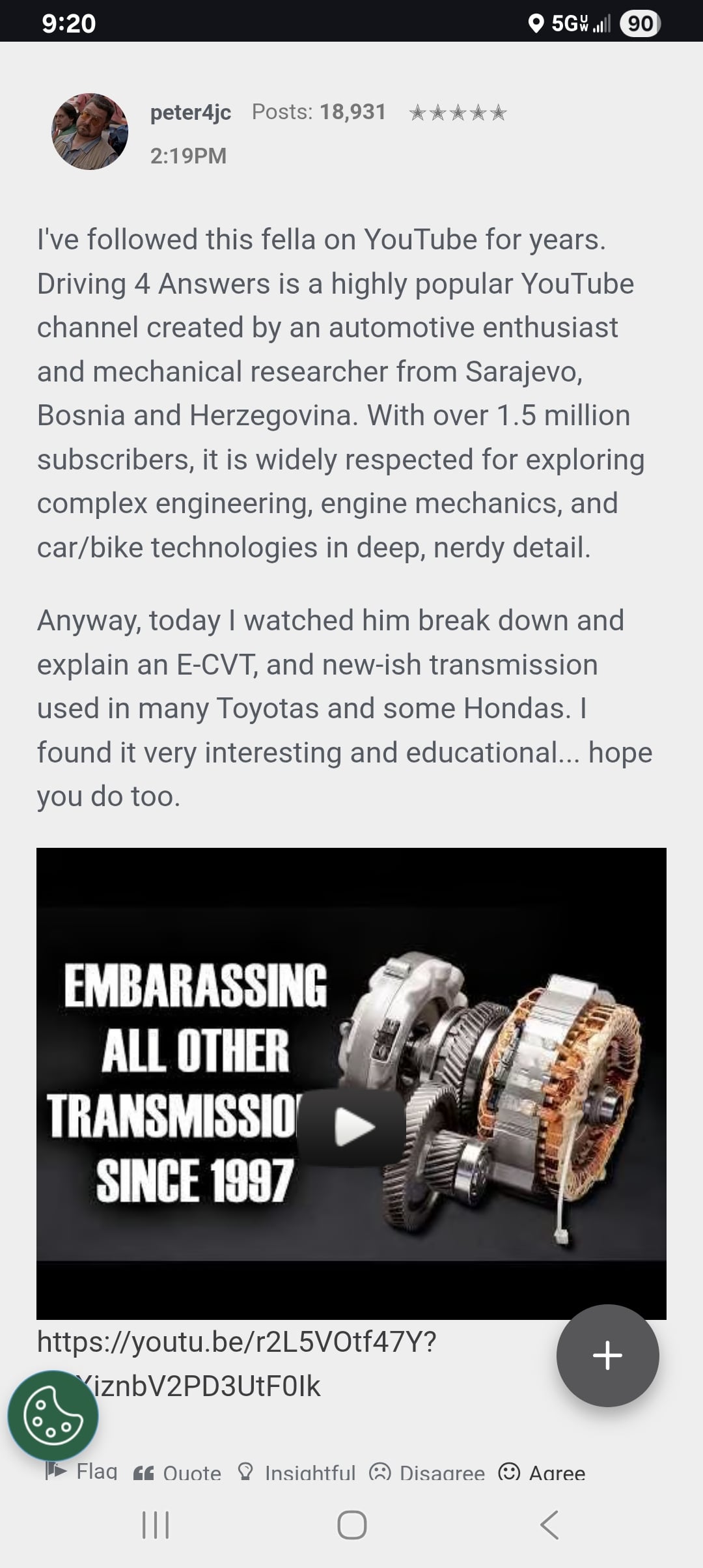
Then I click on the play button and the video just disappears like this: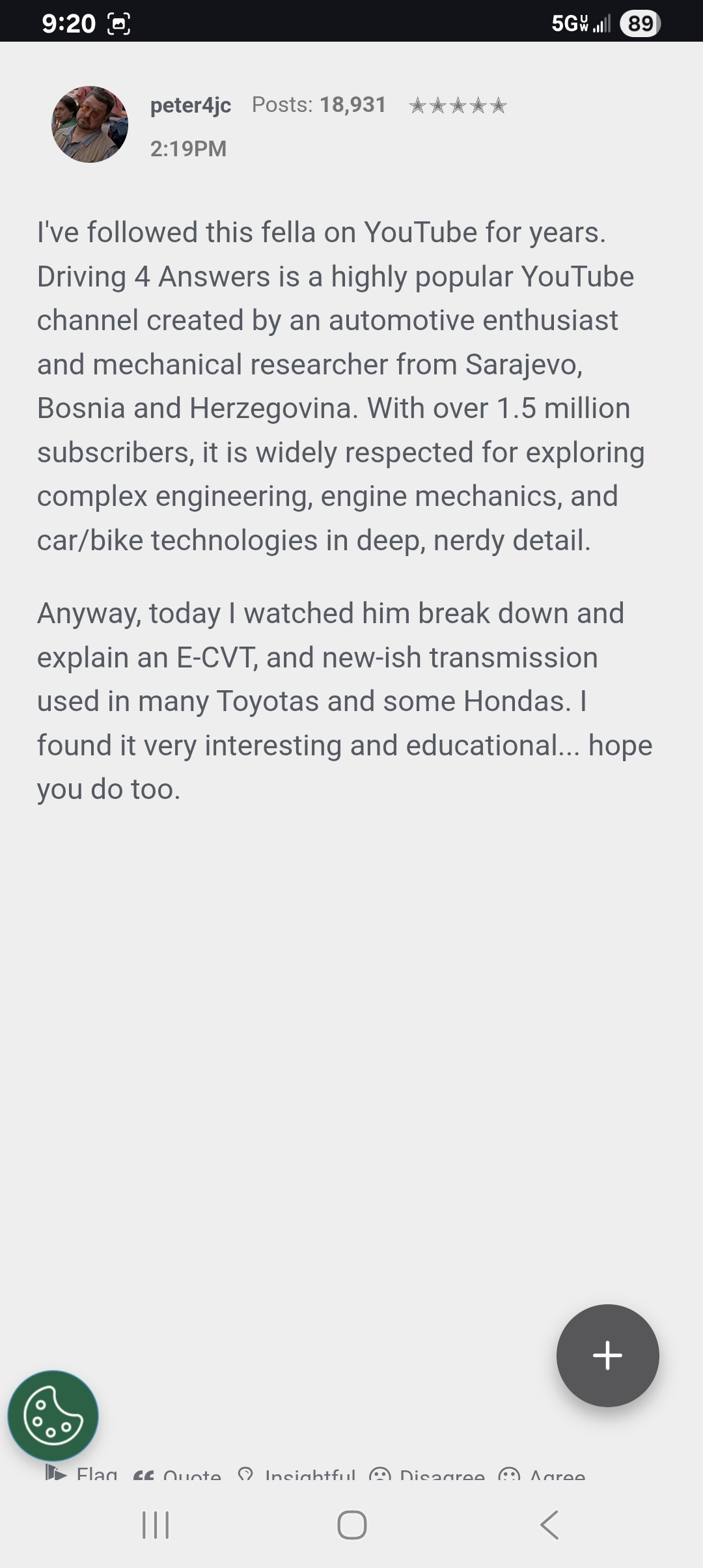
I've rebooted my phone as well.as cold-booted the phone and no luck.
Trapped in the People's Communist Republic of Massachusetts.
Comments
-
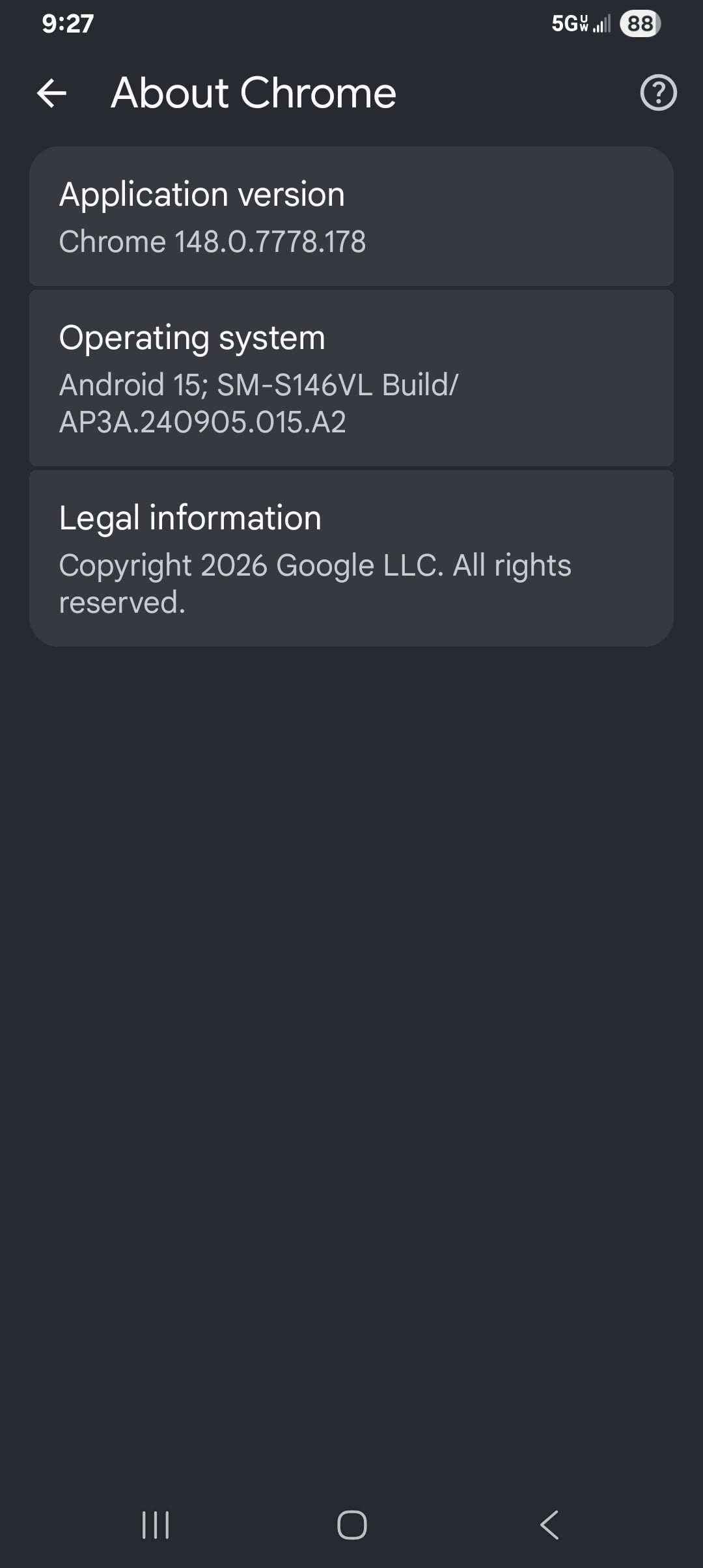
This is all I can find.Trapped in the People's Communist Republic of Massachusetts.
0 -
Mine has done it for a long time. I haven’t bothered with trying to watch a posted video from here in awhile.
If it don’t bother me, it don’t bother me. Just leave me alone.
0 -
I tried it with Christine, which I didn't use, and it worked fine. You could try clearing your cache, clearing the data and starting again, maybe save your bookmarks before you do this, or try another browser like DuckDuckGo or Quetta
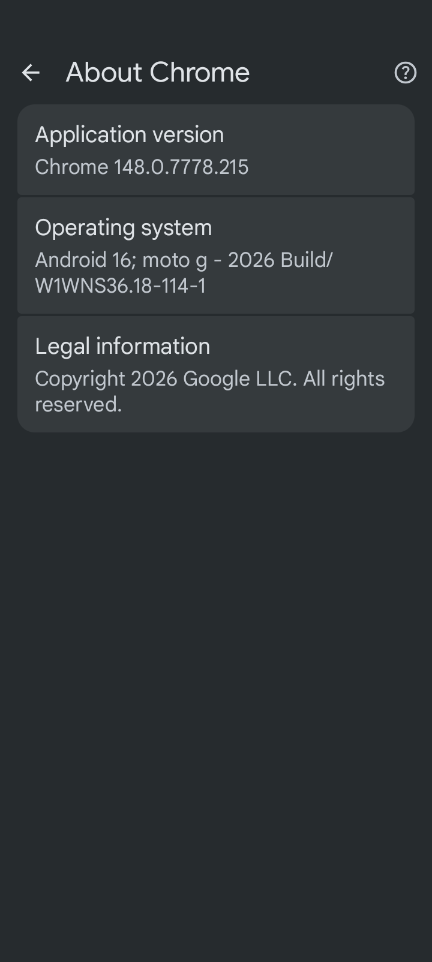 Join us on Zoom vHerf (Meeting # 2619860114 Password vHerf2020 )0
 -
Check the annoying little cookie in the lower left corner, turn on the "targeting cookies" setting and see if that fixes it.
"If you do not read the newspapers you're uninformed. If you do read the newspapers, you're misinformed." -- Mark Twain0 -
@Amos_Umwhat said:
Check the annoying little cookie in the lower left corner, turn on the "targeting cookies" setting and see if that fixes it.Didn't work on duck browser
A little dirt never hurt0 -
@dirtdude said:
@Amos_Umwhat said:
Check the annoying little cookie in the lower left corner, turn on the "targeting cookies" setting and see if that fixes it.Didn't work on duck browser
Well drat. It worked for me on Safari, figured it might work for others as well.
"If you do not read the newspapers you're uninformed. If you do read the newspapers, you're misinformed." -- Mark Twain0 -
Worked for me, thank you.
Trapped in the People's Communist Republic of Massachusetts.
2 -
@Amos_Umwhat said:
@dirtdude said:
@Amos_Umwhat said:
Check the annoying little cookie in the lower left corner, turn on the "targeting cookies" setting and see if that fixes it.Didn't work on duck browser
Well drat. It worked for me on Safari, figured it might work for others as well.
I'm an idiot Steve, it did work
A little dirt never hurt2


