Problems Posting
Comments
-
@Yakster said:
I think on some phones when you rotate it 90 degrees so it's in landscape mode it will go into desktop mode.When I rotate my phone it scrolls to the bottom of the thread, just like when I open it.
I know, You're a big dog and I'm on the list.
Let's eat, GrandMa. / Let's eat GrandMa. -- Punctuation saves livesIt'll be fine once the swelling goes down.
1 -
If an issue is identified, is it addressed or is it more like, "Oh yeah, that does suck doesn't it?"
I'm new here so I am unfamiliar with the ins and outs of the forum.0 -
Usually they're fixed fairly quick. I don't think this is getting fixed, though.
Trapped in the People's Communist Republic of Massachusetts.
3 -
@GI JOE said:
If an issue is identified, is it addressed or is it more like, "Oh yeah, that does suck doesn't it?"
I'm new here so I am unfamiliar with the ins and outs of the forum.In general, Ccom is decent, but regarding this aspect of their business, it's closer to how the gummint runs things; it kinda works, and if they 'fix' it, it'll be worse.
"I could've had a Mi Querida!" Nick Bardis3 -
I actually think the update that our lady friend (whom I can’t remember her name) switched on and then off again was an upgrade structurally but it did take awhile to adjust too. It did look funky though. I think if it would have stayed that way for a week we would have all become accustomed to it.
2 -
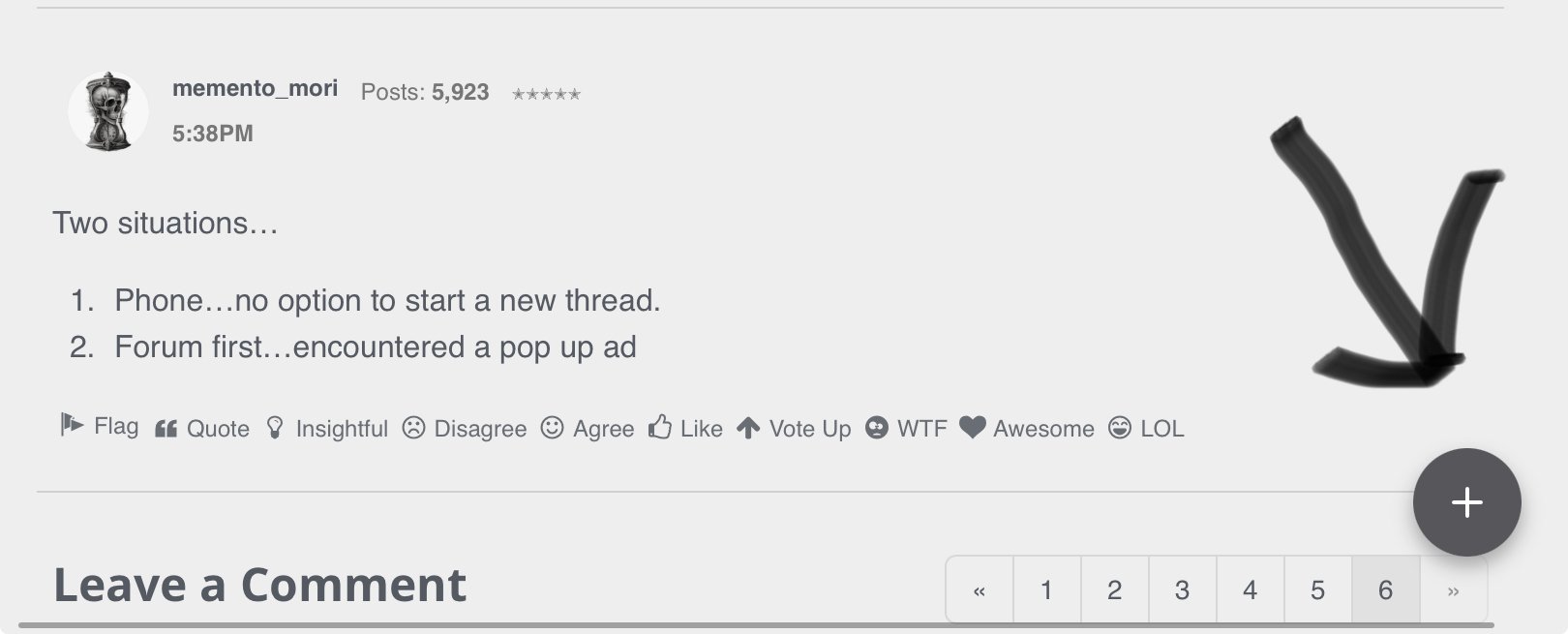
Two situations…
Phone…no option to start a new thread.
Forum first…encountered a pop up ad
0 -
@memento_mori said:
Two situations…- Phone…no option to start a new thread.
Do you have one of these?
If it don’t bother me, it don’t bother me. Just leave me alone.
1 -
@Rdp77 said:
@memento_mori said:
Two situations…- Phone…no option to start a new thread.
Do you have one of these?
🤪🤪🤪🤪😂😂😂😂😂😂😂😂😂 yep
1 -
Anybody know how to make the green annoyance cookie thing go away?
2 -
This guy?

I got rid of it on my Brave browser on my desktop by right-clicking on it and selecting Block elements. On a Chrome browser installing the Google Chrome extension Web Cleaner - Hide & Block Elements may work, but I haven't tried it and reviews are a bit mixed. https://chromewebstore.google.com/detail/web-cleaner-hide-block-el/hjbecmgoamolhfpjckphlekjdnkdpbfi
If you have an Adblocker, you may be able to use that to hide or block the cookie settings icon.
Join us on Zoom vHerf (Meeting # 2619860114 Password vHerf2020 )0 -
-
Cris I have an old Mac and a flip phone. I appreciate the help but it seems like tech stuff is beyond me.
1 -
I installed the Web Cleaner - Hide & Block Elements extension. No dice. I think it would work, but the little icon pops in and out before Web Cleaner can act on it; by the time you right-click on it and choose 'Hide' from the drop-down, it's gone, and it seems Web Cleaner no longer sees it and can't follow my directions.
"I could've had a Mi Querida!" Nick Bardis3 -
@First_Warrior this may help if you use the Safari browser on your Mac.
Join us on Zoom vHerf (Meeting # 2619860114 Password vHerf2020 )0 -
Finally seem to have found out how to get in. Bass ackwards. Have to to my profile and then select forum. Cant go straight in
When you’re finished changing, you’re finished. —Ben Franklin
3 -
@PuertoRicoShawn said:
Finally seem to have found out how to get in. Bass ackwards. Have to to my profile and then select forum. Cant go straight inTrapped in the People's Communist Republic of Massachusetts.
2 -
Wow, this has been weird. Was logged in but only has read only on the forum but no problem setting up a purchase. Anyways seems i am back again
Logistics cannot win a war, but its absence or inadequacy can cause defeat. FM100-54 -
I haven't been able to open up and watch any videos posted. Doesn't matter which device I'm using; I see the preview in the post, but when I click to watch it, the preview disappears, and it's blank.
"I could've had a Mi Querida!" Nick Bardis2 -
Anybody having this problem? Every time I open my browser i have to login to the forum. Before the recent security update i was always logged in, now, even if I check the Stay Logged In box, it automatically logs me out. Its a bit annoying.
Trapped in the People's Communist Republic of Massachusetts.
0 -
No issues with haviing to log in from my phone browser every time, but still not able to watch posted videos though
I don't have problems, just more work to do.
0 -
@Olekingcole said:
No issues with haviing to log in from my phone browser every time, but still not able to watch posted videos thoughYou have to nibble on the cookies on that painter pallette down in the left lower corner
A little dirt never hurt1 -
-
What is the trick to get logged in to this forum? Have a new laptop, can't log on, now a new phone, same. It logs on to cigar.com but not the forum
A little dirt never hurt0 -
Trapped in the People's Communist Republic of Massachusetts.
1 -
-
Apparently that did it, thanks Shawn
A little dirt never hurt1 -
Holy crap, been trying to sign in since last year and finally found my fix on this post. Could’ve found it sooner but was too lazy, thought i had been banned or something
2 -
welcome back Mr.Possum.
1